
Please follow the steps below to cancel a price alert:
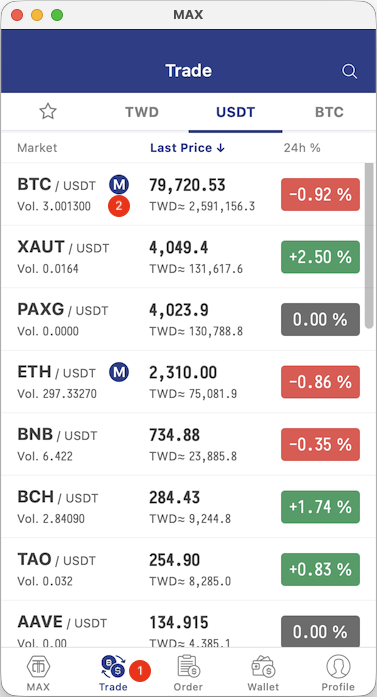
- Open the MAX app > tap Trade > select the trading pair you want to cancel the price alert for (BTC / USDT is used as an example below).
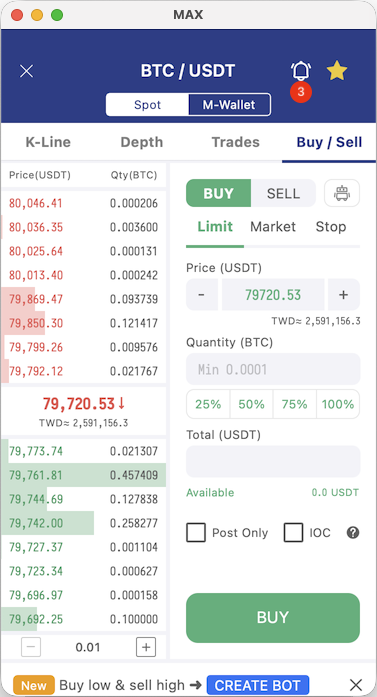
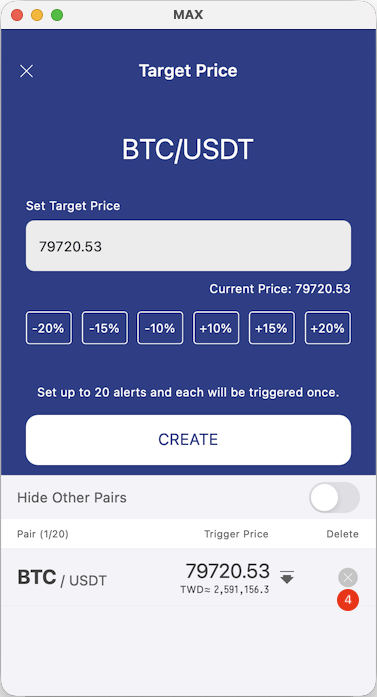
- Tap the bell icon in the top-right corner > tap the X icon next to the alert you wish to delete to cancel the price alert.
App Instructions
 |  |  |