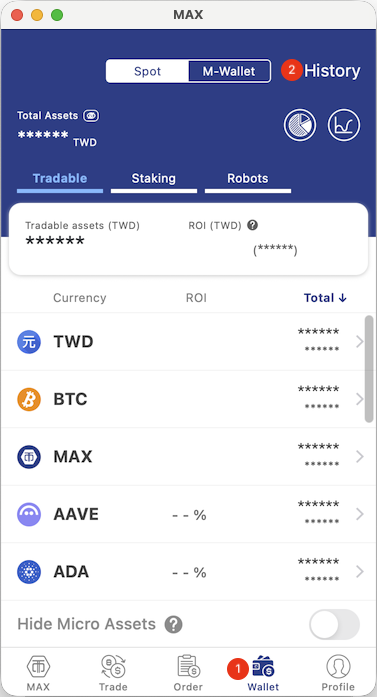
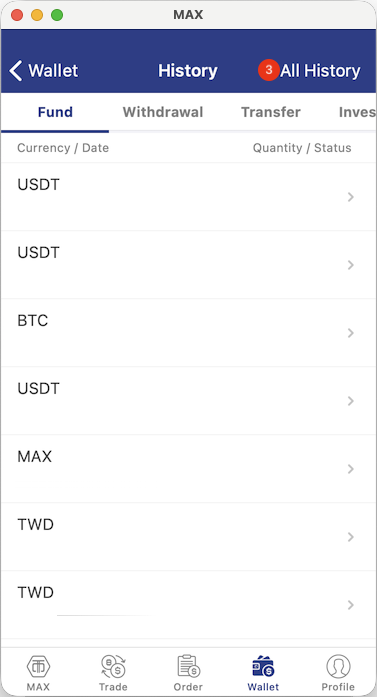
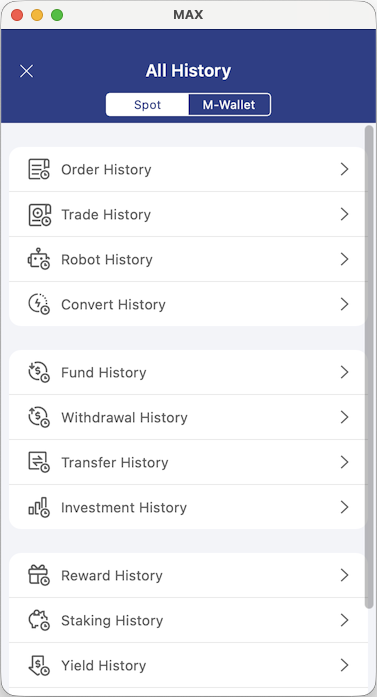
Please follow the steps below to view your account transaction history:
- Open the MAX app and tap Wallet > History > All History.
App Instructions
 |  |  |

MAX Exchange / MaiCoin
Please follow the steps below to view your account transaction history:
App Instructions
| | |