
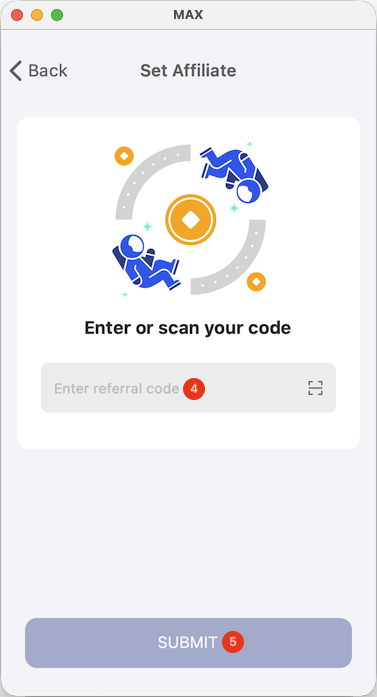
If your friend provides you with a referral code, please copy the code first and follow the steps below to bind it:
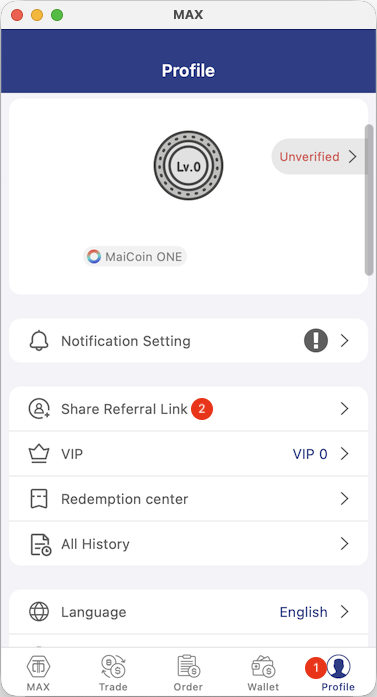
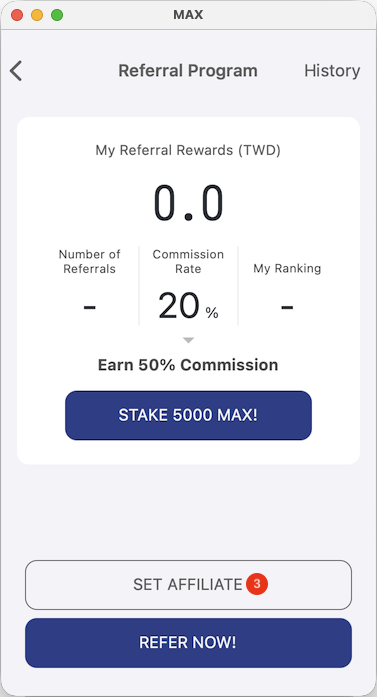
- Open the MAX app, tap User in the bottom-right corner > Referral Program > Set Referrer > enter the referral code > tap Submit to complete the setup.
Please note: Once submitted, the referral code cannot be changed. Please ensure the information is correct before submitting.
App Instructions
 |  |  |