
When you create a new account, MAX exchange automatically generates a wallet address. When you need this address to deposit virtual assets, follow the steps below:
- Click Wallet > select the asset you want to deposit > Deposit > choose deposit methods > click the Copy icon to copy the address and paste it into the sending platform.
Reminder: Virtual assets use various address formats. Please verify that the address is correct before proceeding, and make sure that it uses the same network as the sending platform. Otherwise, your assets may be lost.
Instructions (BTC mainnet as an example)
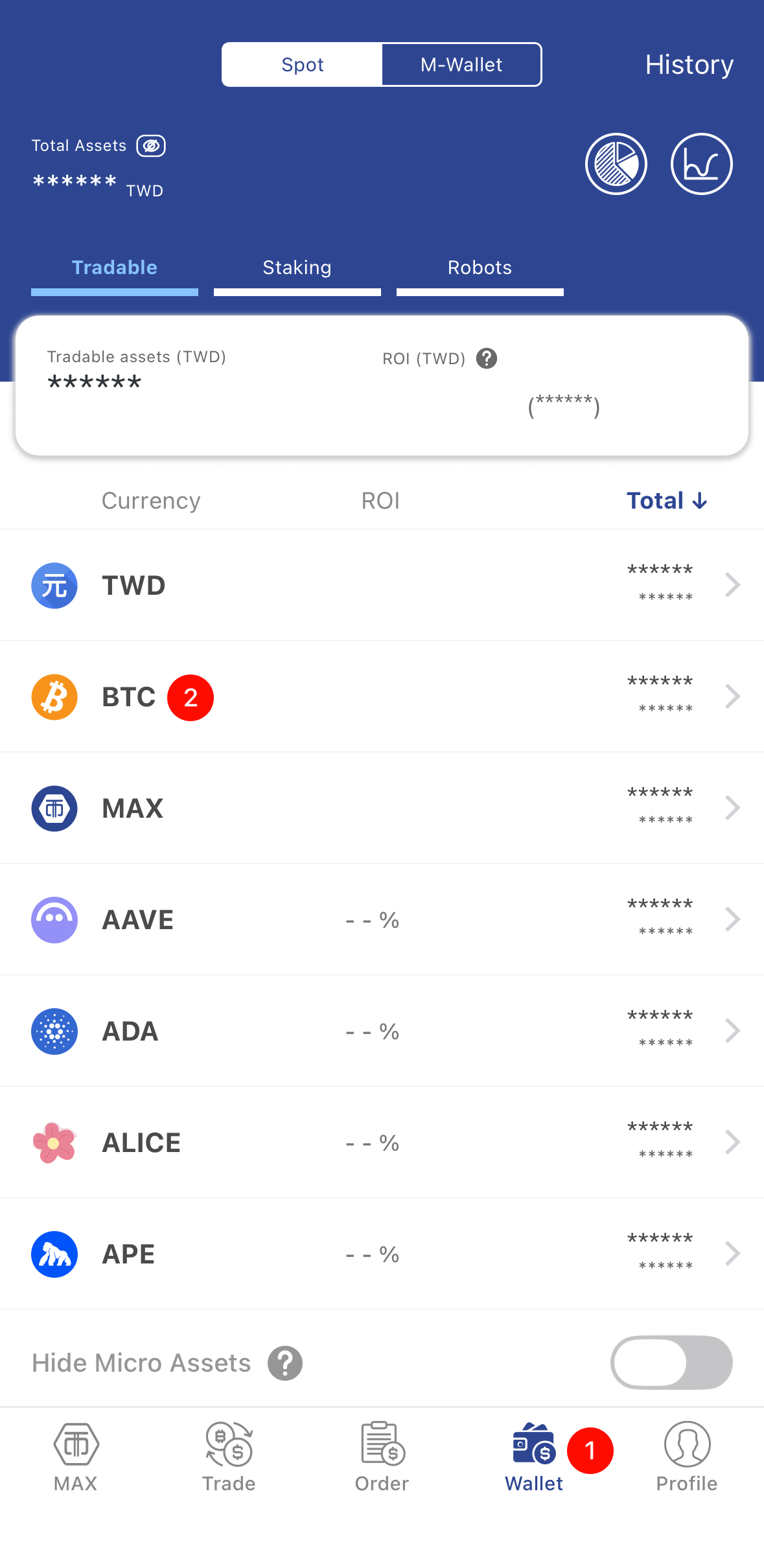 | 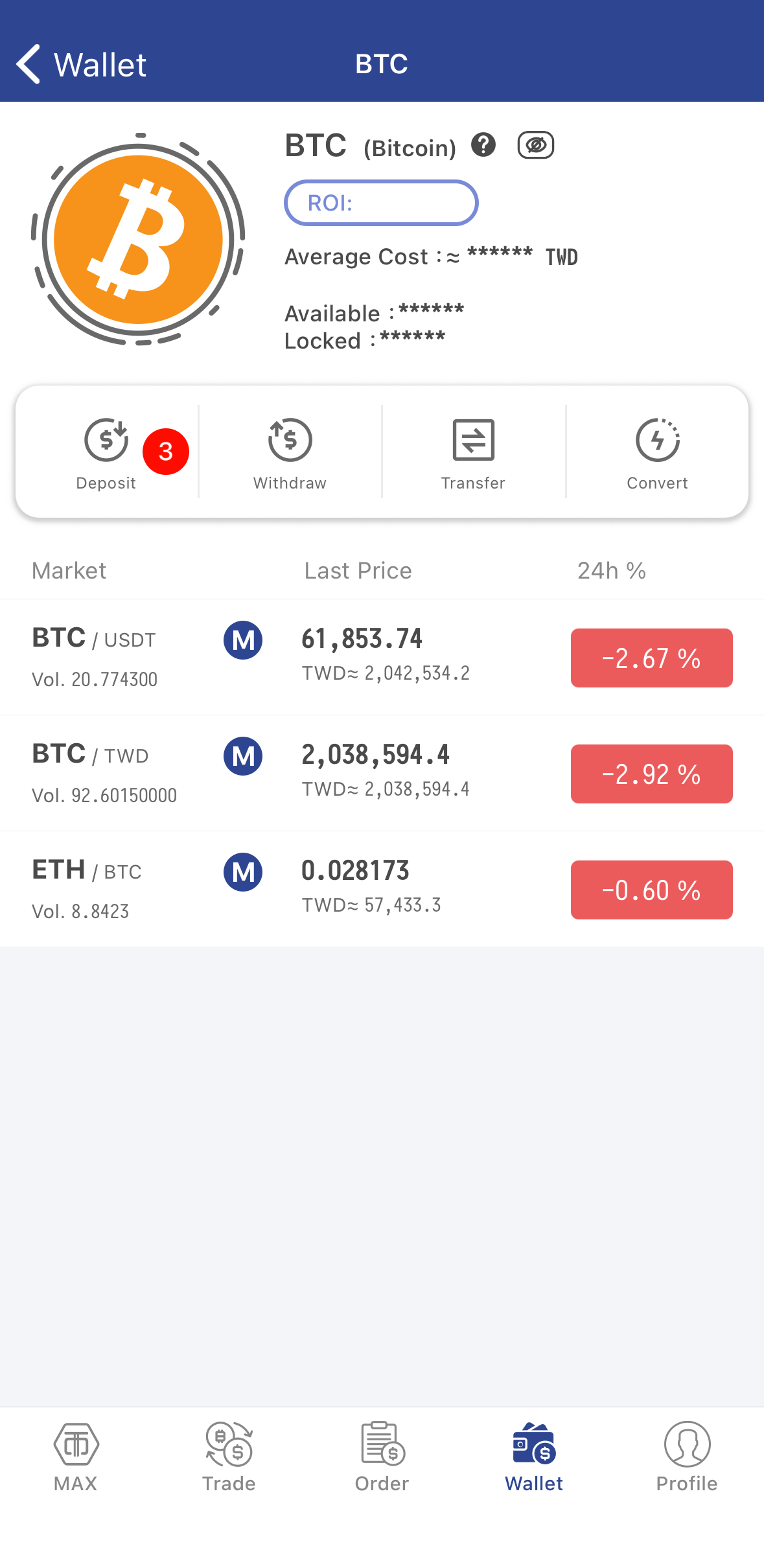 |
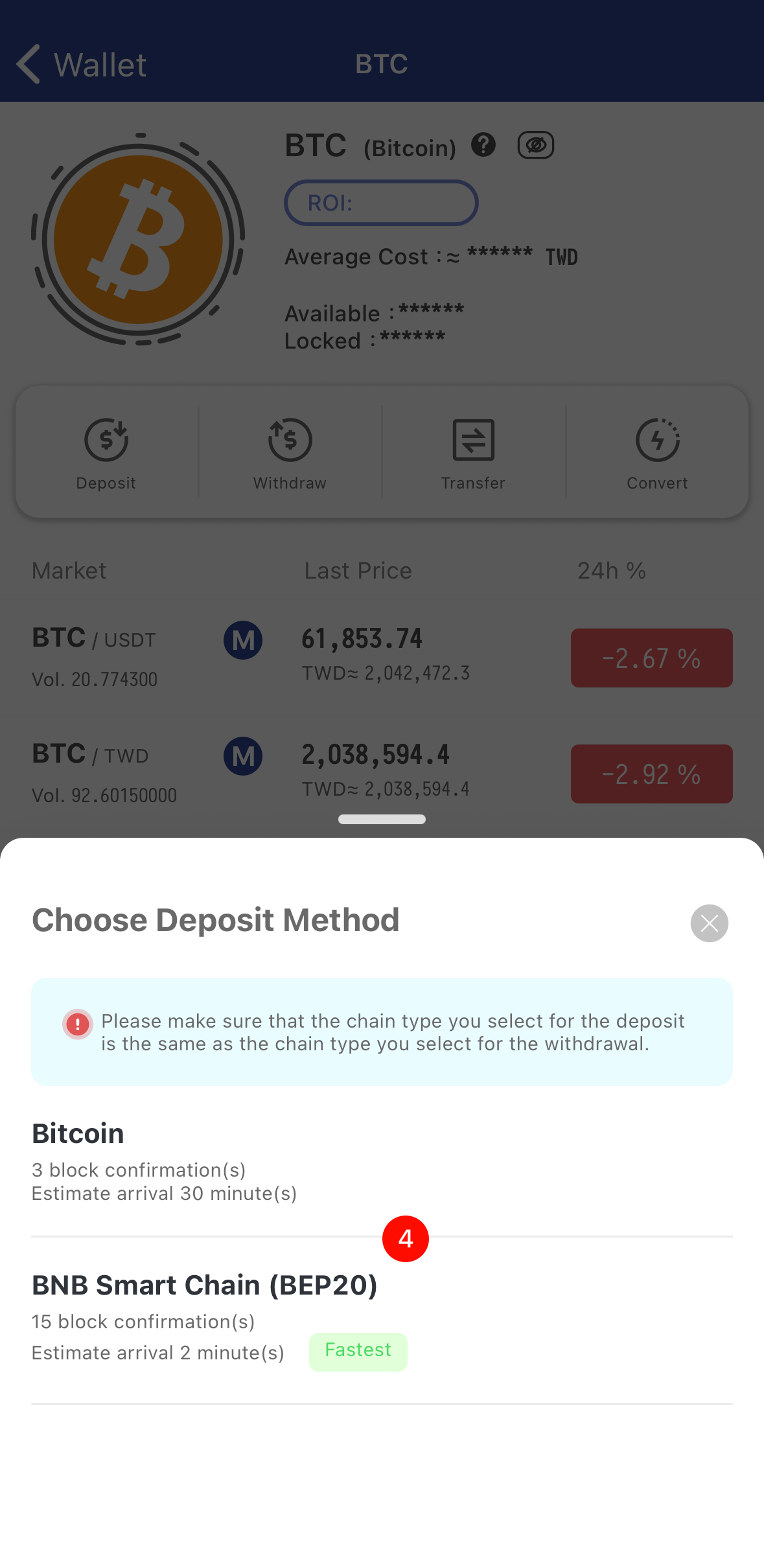 | 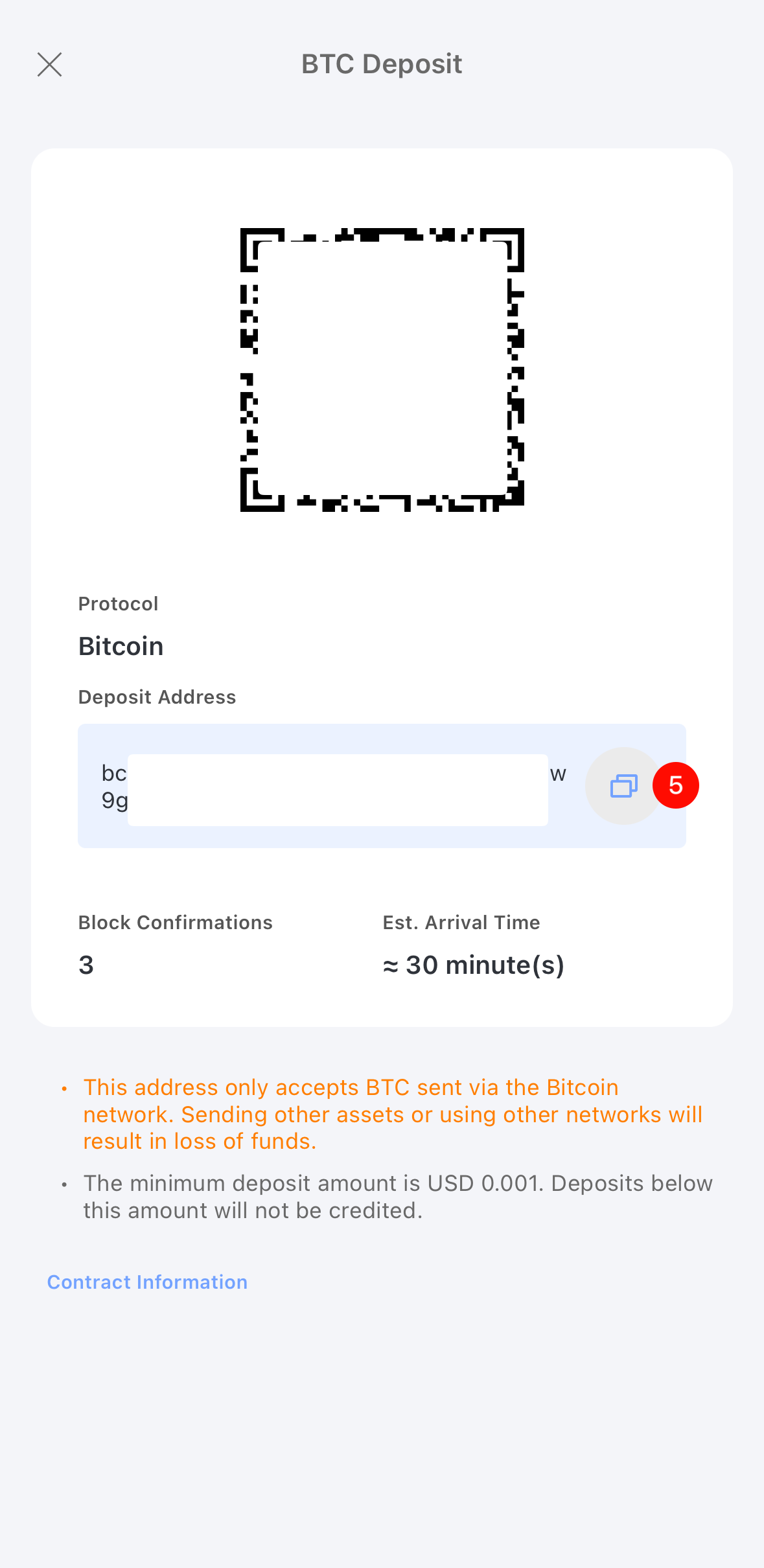 |