
Please first confirm that your account has passed identity verification. If you want to withdraw TWD to your linked bank account, you must be a Level 2 member.
Instructions:
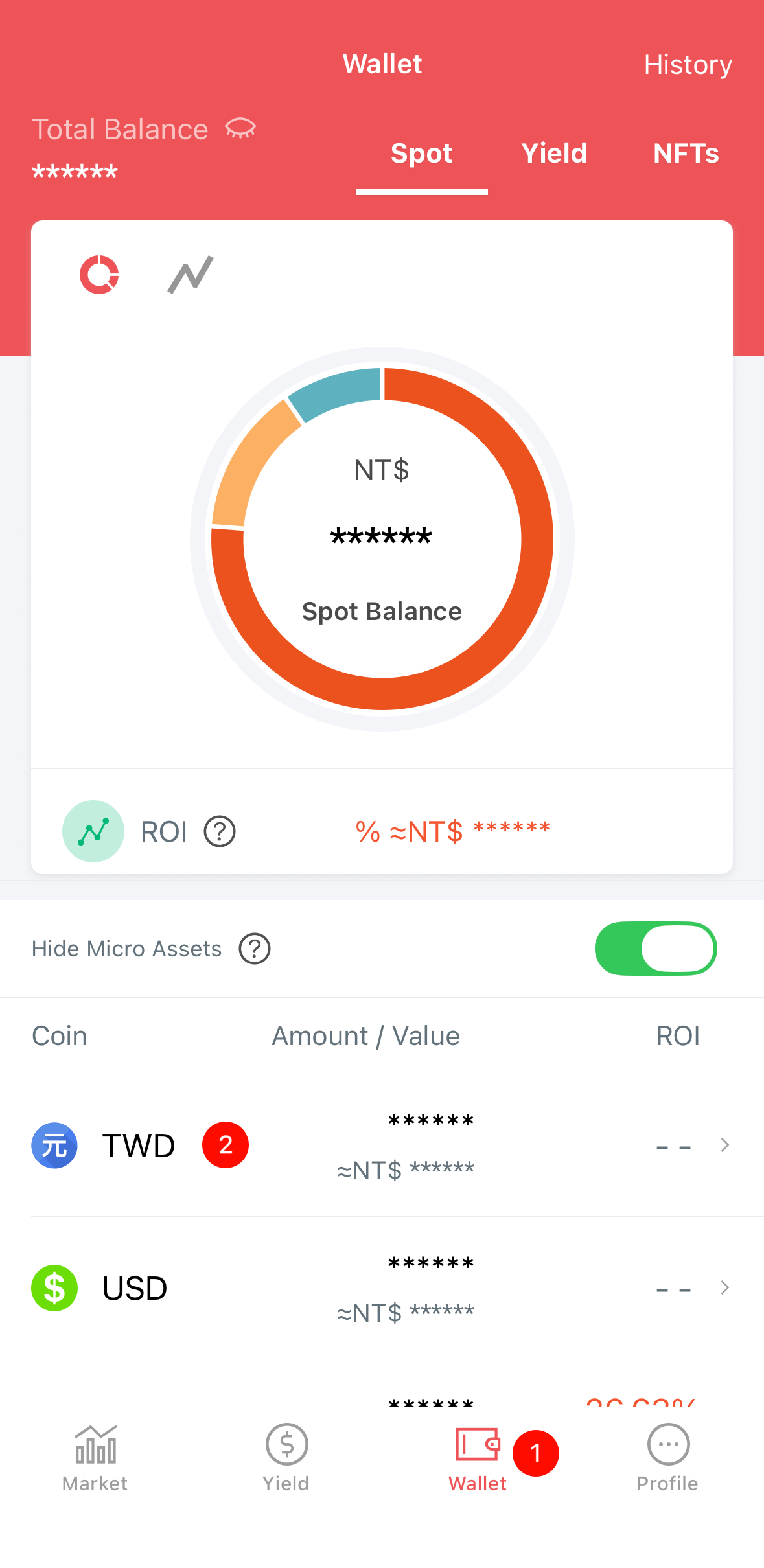
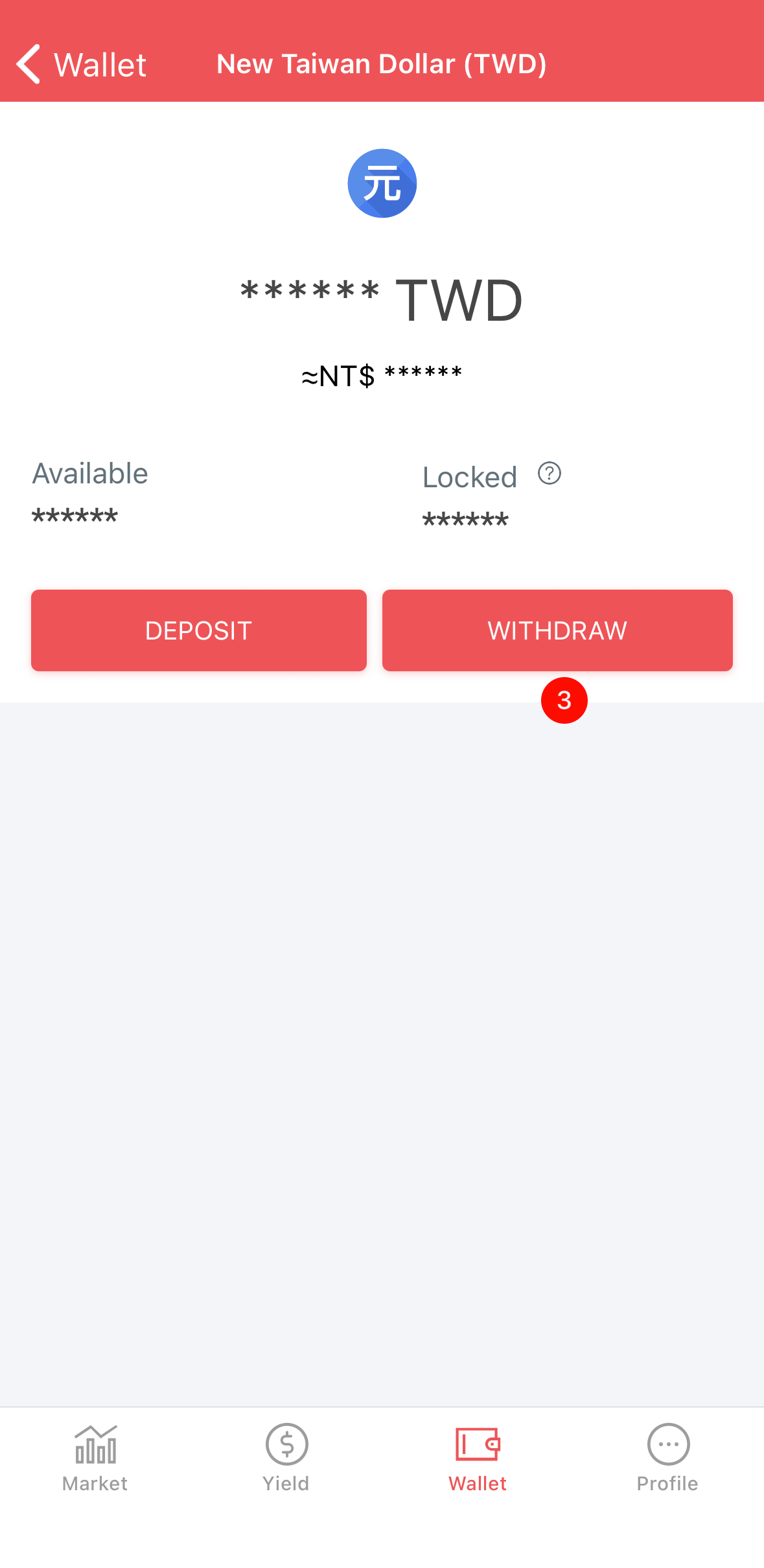
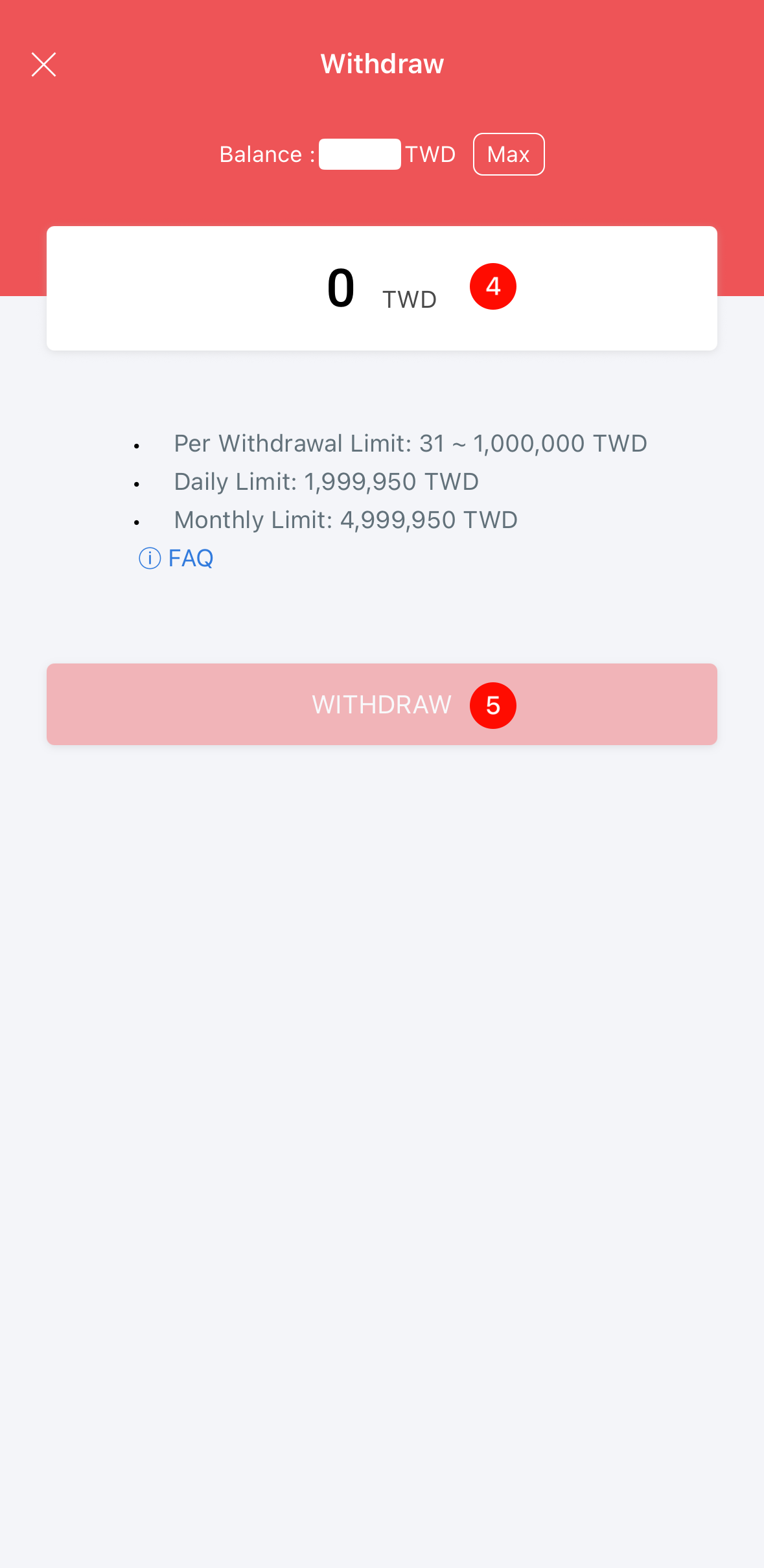
- Wallet > TWD > Withdraw > Enter the amount of TWD you want to withdraw > Withdraw.
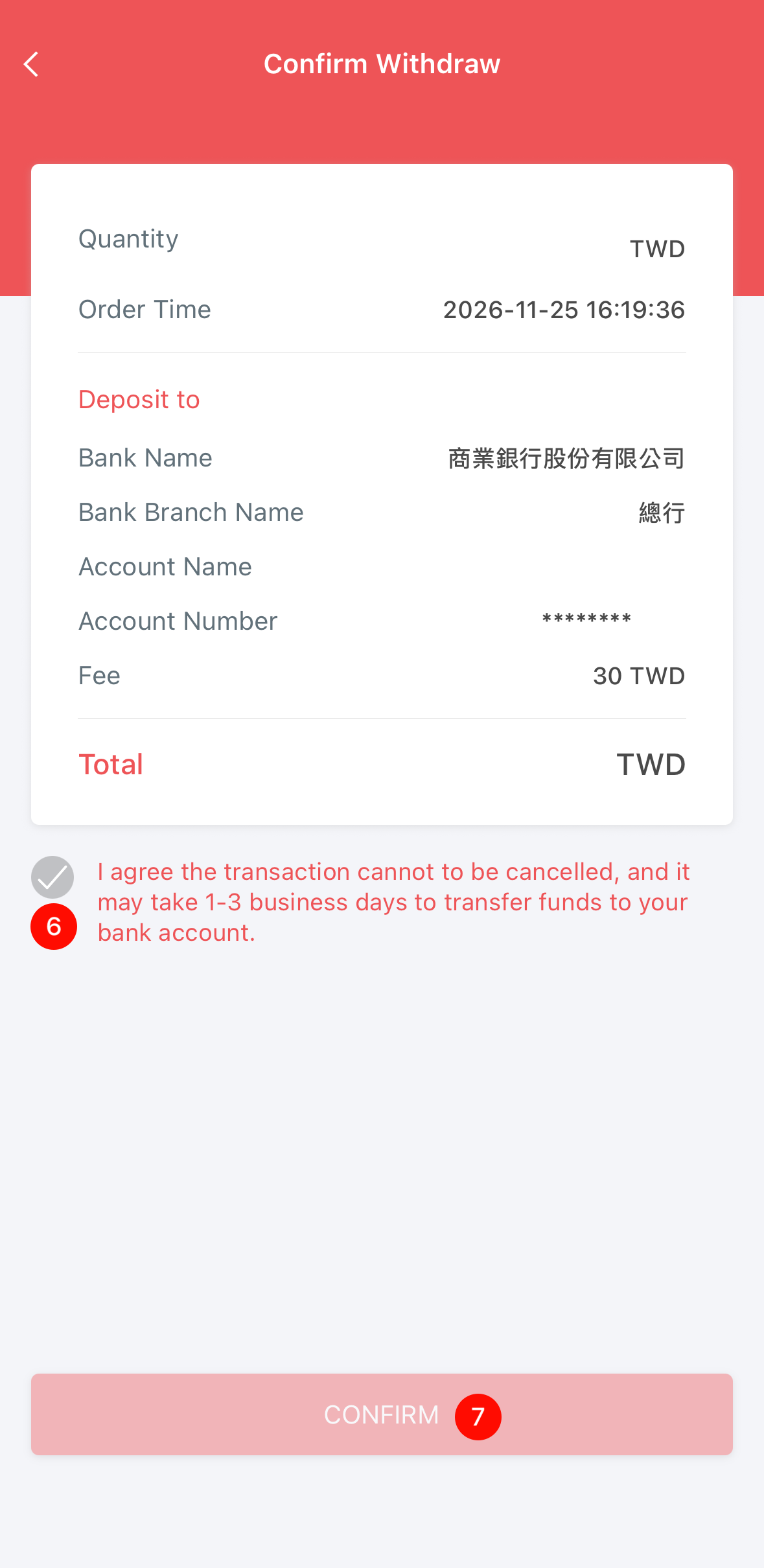
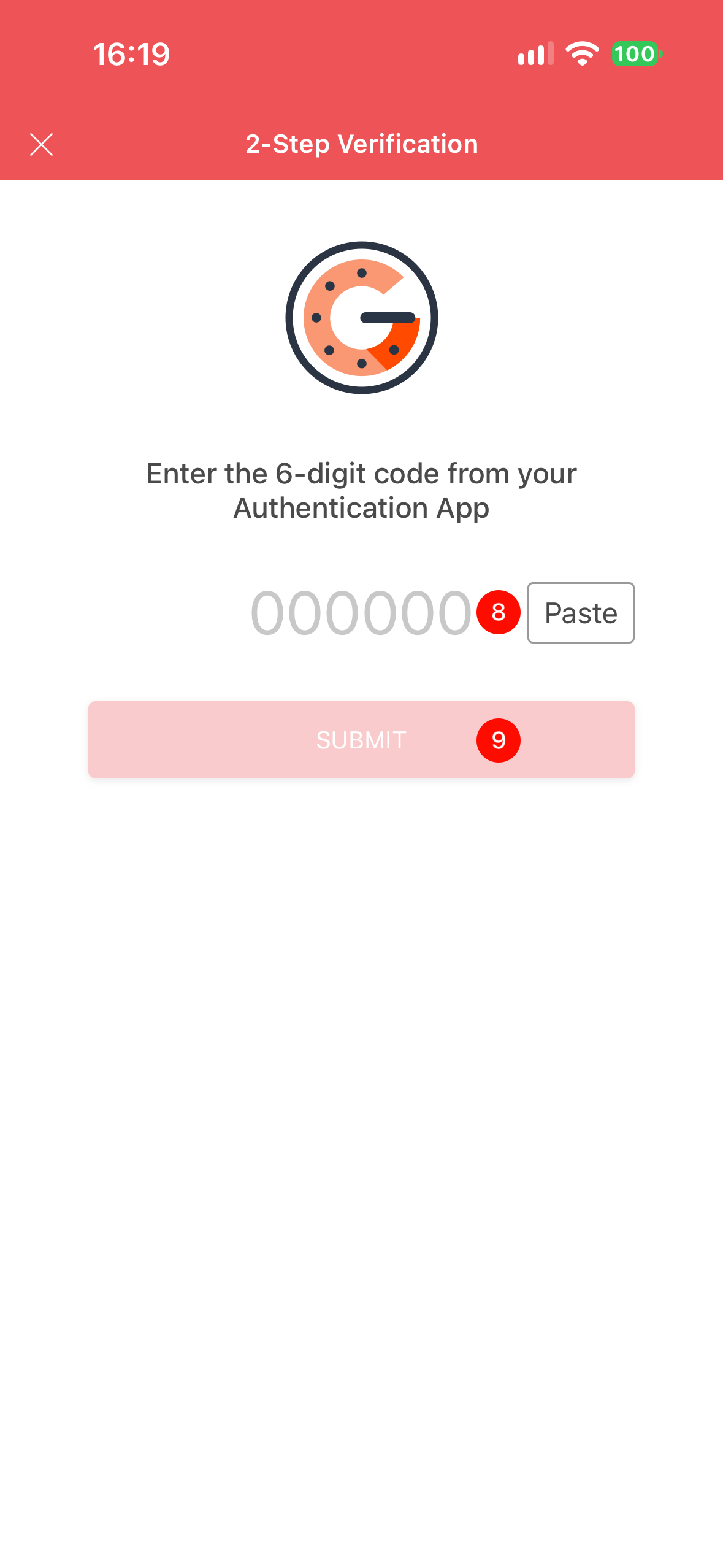
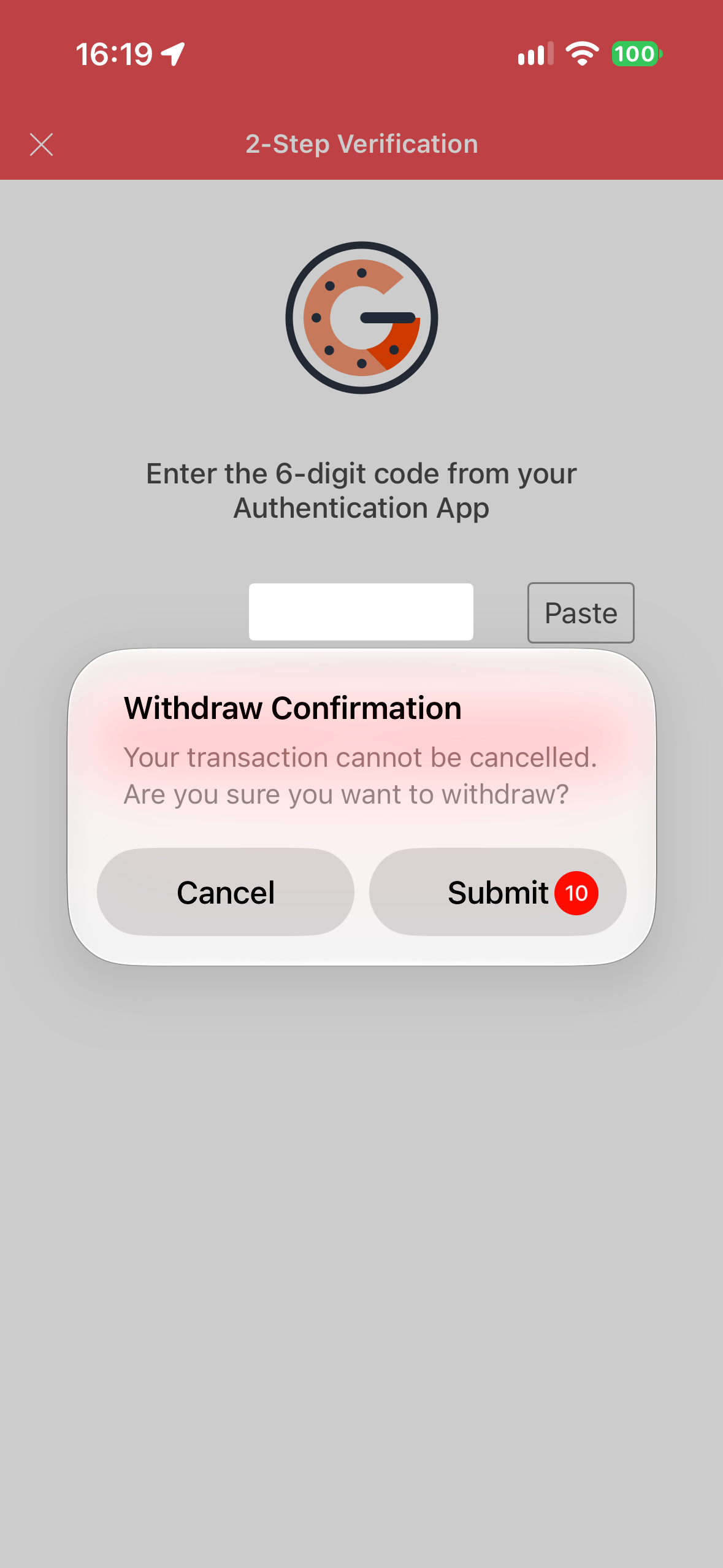
- After reading the withdrawal notice, check the box to agree > Confirm > Enter the two-factor authentication code > Submit > Submit again > Wait for the bank transfer.
YouTube Tutorial: Please refer to MaiCoin Withdrawal Tutorial
Reminder:
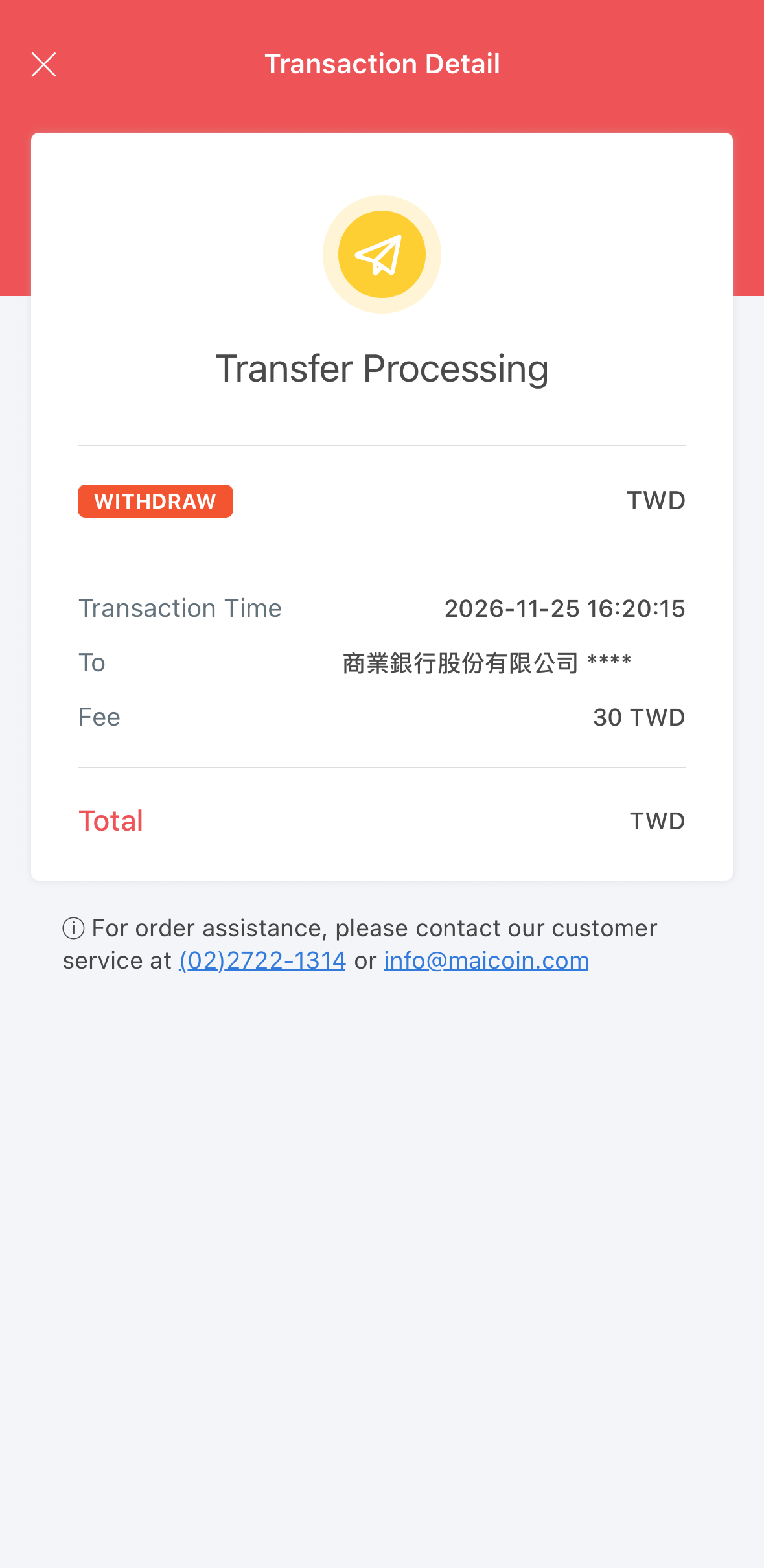
- When the status shows Transfer Processing, it means that the withdrawal has been successfully submitted. The funds will be transferred to your linked bank account within 1 - 3 business days.
- The single-transaction limit for TWD withdrawals is TWD 1,000,000. The daily limit is TWD 2,000,000, calculated cumulatively over 24 hours, and the monthly limit is TWD 5,000,000.
- The TWD withdrawal fee is TWD 30 per transaction and is unrelated to the linked bank. TWD withdrawal requests cannot be canceled after submission.
- If the withdrawal is assessed as high risk, it will require manual review. The review may take several business days, depending on the case volume at the time.
App Instructions
 |  |  |
 |  |  |
 |